A modern workplace is a measured system of workpoints, circulation, storage, power, acoustics and safety—not a collection of desks and chairs. By the end, you will have a practical method for measuring the site, choosing a layout, writing a product specification and checking the installation before final acceptance.
Key takeaways
- Measure clear floor area after excluding doors, columns, radiators and exits.
- Set workstation spacing around circulation, accessibility and emergency egress.
- Write measurable specifications for dimensions, materials, load ratings and warranties.
- Verify manufacturer evidence, then inspect installation before signing completion.
Measure the room before you count workstations
Start with a scaled plan, not the number of desks you hope to install. Office measurement must capture the clear floor area after fixed walls, columns, radiators, door swings, window lines and emergency exits are excluded.
1. Record the room dimensions at several points; older buildings are rarely perfectly square. Mark columns, beams, low sills, doors and the direction each door opens. Measure from finished wall to finished wall, then note obstructions that reduce usable depth.
2. Plot every electrical point, network outlet, floor box, data cabinet and lighting control. A workstation that fits the room but cannot reach power or data creates extension leads, exposed cables and expensive changes after delivery.
3. Draw circulation routes before placing furniture. Keep the entrance, emergency exit and access to windows, storage and electrical panels clear. Show chair pull-back space, the route between desk rows and the service path needed to reach cable trays.
4. Calculate workstation capacity from the complete installed footprint, not the desktop size. Include the desk, chair movement, screens, modesty panels, power and data access, maintenance access and the clearance between neighbouring users. Test each workstation at full use, with chairs pulled out.
5. Create two or three scaled options for private desks, benching or hot-desking, then count only positions that preserve circulation and services. Mark spare capacity separately; a room filled to its maximum leaves no practical space for visitors, storage or future growth.
Choose the layout around work patterns and clearances
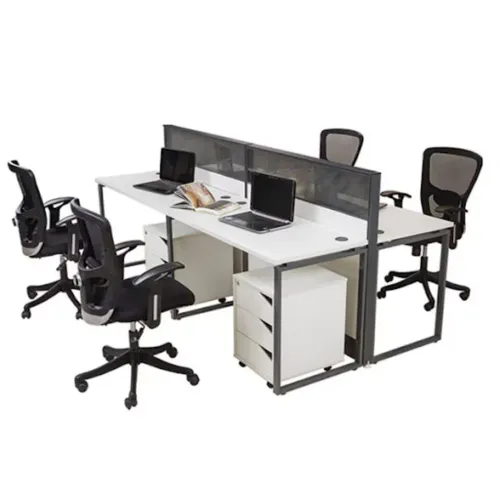
Match the layout to how people work, not to the number of desks that fit on paper. Private desks suit confidential, concentration-heavy roles; benching supports dense teams that share resources; modular workstations add screens, storage and cable management; hot-desking layouts suit mobile staff who need bookable touchdown space rather than permanent storage.
| Layout | Best fit | Planning clearance |
|---|---|---|
| Private desks | Focused or confidential work | 900 mm behind a pulled-out chair; 1,200 mm for a main aisle |
| Benching | Teams needing rapid communication | 900 mm behind each chair; 1,200 mm at row ends and cross-aisles |
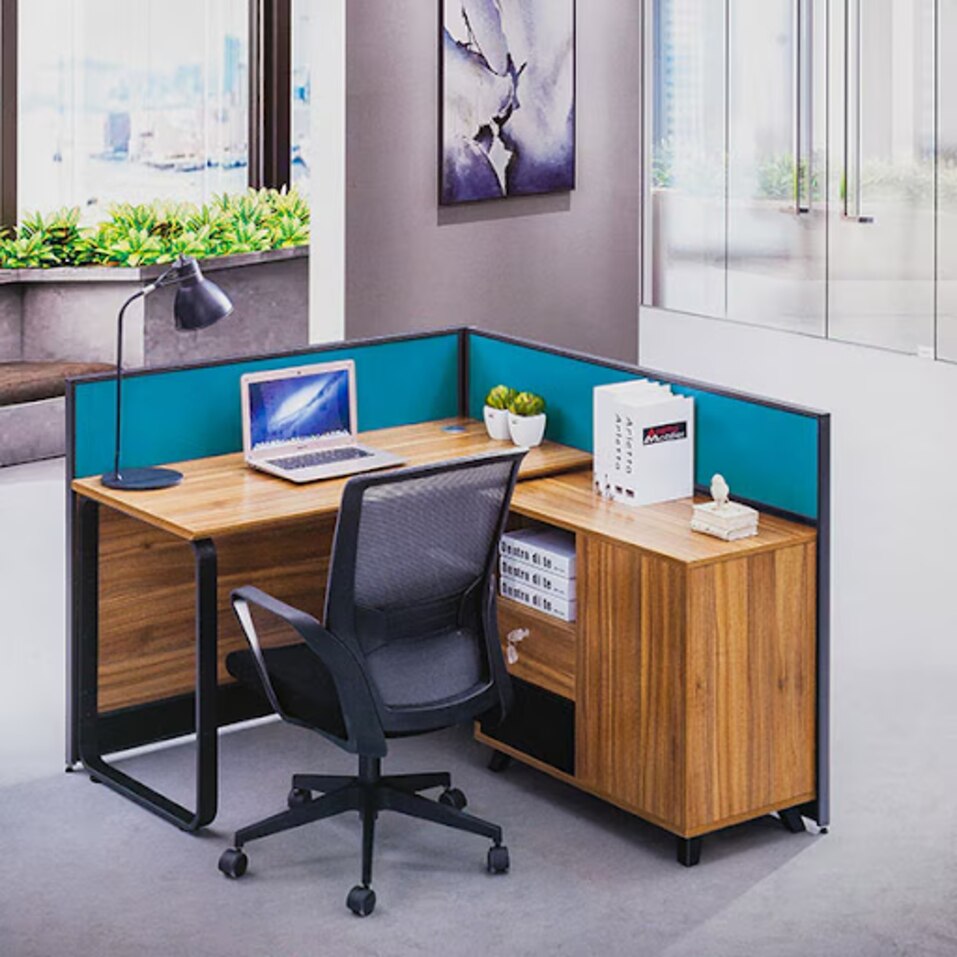
| Modular workstations | Teams needing privacy, storage and integrated power | 900 mm chair clearance; 1,200 mm circulation; additional access for cable trays |
| Hot-desking layouts | Staff who work across sites or shifts | 900 mm chair clearance; 1,200 mm shared route; space for lockers and personal storage |
Treat the desktop footprint as the minimum, not the plan. Add chair pull-back, screen or partition depth, under-desk power access, cable-tray maintenance and a route for moving replacement panels. A desk row that leaves no service gap will force technicians to dismantle occupied workstations.
Keep meeting tables, collaboration zones and loose chairs outside the 1,200 mm main circulation route. In classrooms, training rooms and public assembly areas, check every aisle, exit door approach and queue barrier against the applicable edition of India’s National Building Code and the approving authority’s requirements; furniture must not narrow a required escape route.
Turn every furniture choice into a measurable specification
Put every item into the furniture schedule as a measurable line, not a catalogue description. Record desk dimensions, desktop depth, height range, load rating, material, edge treatment, warranty, replacement parts and installation responsibility.
Separate ergonomic adjustability from structural performance: ISO 9241-5 addresses workstation arrangement and posture, while ANSI/BIFMA X5.1 covers office-chair safety, durability and stability, not whether the chair fits every user.
| Item | Record in the schedule | Technology or access provision |
|---|---|---|
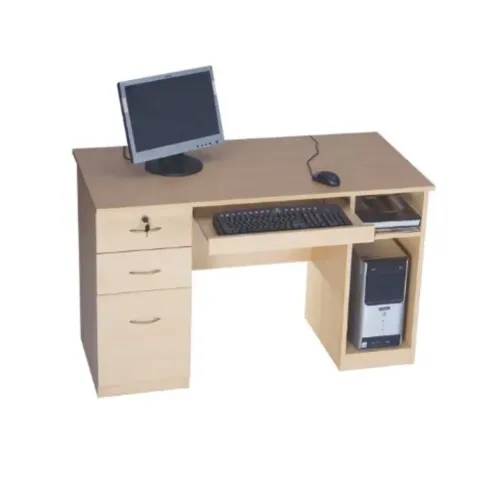
| Desk | Length, width, desktop depth, height, top thickness, load rating and edge profile | Cable management, power modules, data outlets and monitor arms |
| Benching | Per-person width, total footprint, privacy-screen height and maintenance clearance | Shared cable trays, segregated power/data routes and access panels |
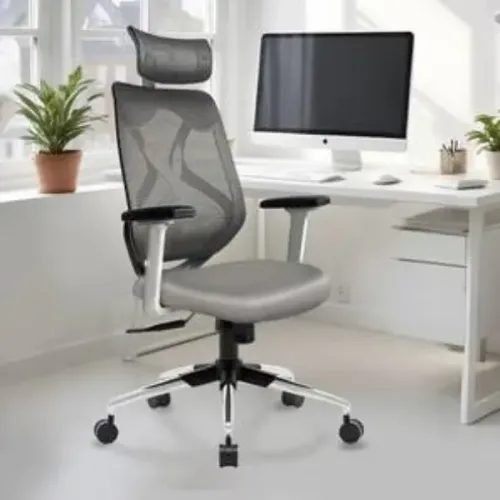
| Chair | Seat-height range, seat depth, back adjustment, base diameter and tested load | Armrest adjustment and compatibility with desk height |
| Storage wall | Width, height, depth, shelf load and panel thickness | Anchoring points, approved fasteners and service access |
List the evidence behind each performance claim:
- Specify board type, thickness, sealed edges, connector system and screw-withdrawal performance; decorative laminate alone does not protect cut edges from moisture or fatigue.
- Name the upholstery ignition or flame-spread test, fabric-and-foam assembly, cleaning condition and certificate. “Fire-retardant” alone is not a usable specification.
- Treat tall cupboards and shelving as anchorage items in Ghaziabad’s Seismic Zone IV. State the fixing substrate and who performs structural fixing.
- Request an environmental product declaration under ISO 14025 when you need product-specific life-cycle evidence; do not substitute a green-building rating or recycled-content claim.
Use the manufacturer selection process to verify safety and evidence
Compare an office furniture manufacturer in Ghaziabad on documented performance, not catalogue language. Ask for the exact model number, drawing, material schedule, tested configuration, laboratory name, test date and report reference. A certificate covering a different chair or workstation proves little.
Check these items before approving a supplier:
- Separate ergonomic fit from structural performance. ISO 9241-5 addresses workstation arrangement and posture; ANSI/BIFMA X5.1 tests office-chair safety, durability and stability. Neither standard proves that one chair suits every user.
- Treat an environmental product declaration as a product-specific life-cycle disclosure under ISO 14025. It does not certify the whole factory, recycled content or a green-building rating.
- For tall cupboards, shelving and storage walls, specify seismic anchorage: fixing points, substrate, approved fasteners and responsibility for structural fixing. Ghaziabad is generally in Seismic Zone IV.
Evidence to compare
| Claim | Evidence to request | What it does not prove |
|---|---|---|
| Ergonomic workstation | ISO 9241-5 reference, dimensions and adjustment range | Universal comfort |
| Chair durability | ANSI/BIFMA X5.1 report for the supplied configuration | Indian electrical, fire or accessibility compliance |
| Sustainable product | ISO 14025 environmental product declaration naming the model | Factory-wide sustainability |
| Safe storage | Anchorage drawing, fastener schedule and installation method | Safety when installed on another substrate |
Include Kantoor Furniture By 360 Degree Interiors in the same comparison: require its approved sample, panel thickness, edge treatment, connector system and repair method to match the delivered furniture. Record discrepancies with photographs before payment.
Related products
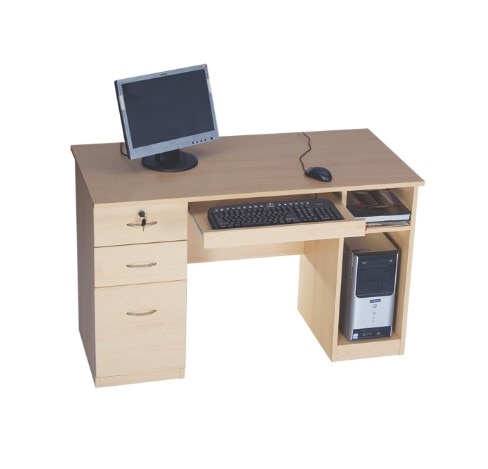 | Office Computer Desk Classic Wooden Office Computer Desk with Integrated Storage Premium Office Workstation by Kantoor Furniture By 360 Degree Interiors The Classic Wooden Office Computer Desk with Integrated Storage is a... View product → |
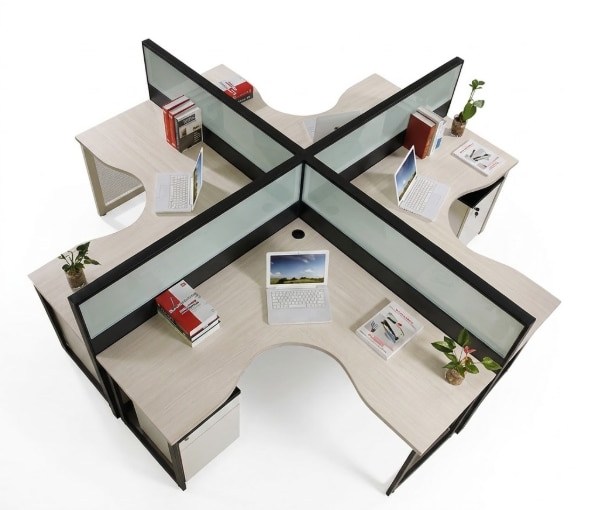 | Modular Workstation Series by Kantoor Furniture is a modern office furniture solution designed to create efficient, organized, and collaborative work environments. View product → |
Control installation quality and future reconfiguration
Treat installation acceptance as a performance check, not a delivery count. Compare every installed unit with the approved sample, then record each defect with a photograph, responsible party and snag-closure date. Batch variation becomes especially visible across continuous worktops, so retain the physical sample as the reference for finishes and hardware.
- Check desks, panels and storage units for level, plumb, stable anchorage and clean, undamaged surfaces.
- Check drawer and door gaps, alignment, edge banding and exposed corners.
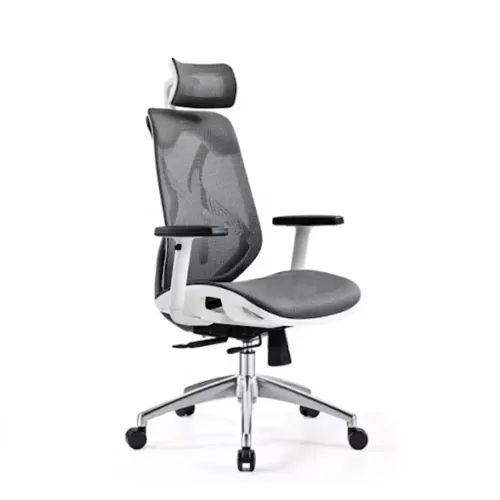
- Operate every chair adjustment, including height, tilt, castors and armrests.
- Verify cable segregation, access to power and data points, and the absence of trapped or sharply bent cables.
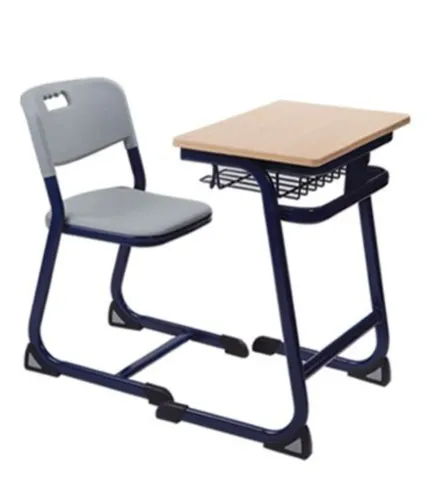
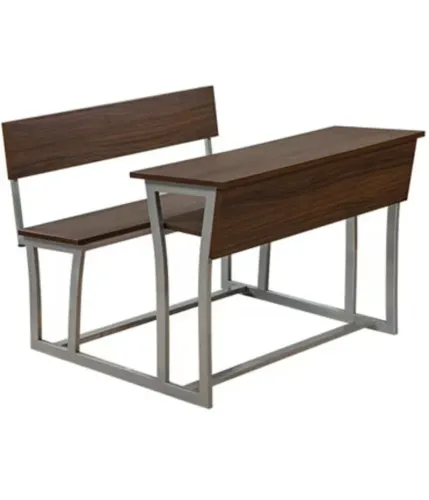
- Test rounded or protected corners, finger-pinch points, fasteners, glides and cleanable finishes on assembled furniture in schools or public-facing areas.
Protect future repairs and expansion with a handover file, not verbal assurances. Ask for connector details, panel dimensions, interchangeability limits, dismantling and reinstallation instructions, and a written list of spare parts with availability and identification codes.
Record which components are glued, use captive hardware or depend on one-time clips; a “modular” system can still require destructive removal. Include finish codes, approved sample photographs, warranty contacts, cleaning instructions and the maximum permitted reconfiguration. This information lets a facilities team add workstations without mismatched surfaces or unsafe improvised connections.
Frequently asked questions
What should you measure before choosing office workstations?
Measure the clear floor area after excluding fixed walls, columns, radiators, door swings, window lines and emergency exits. Record room dimensions, ceiling height, entry points and service locations on a scaled plan.
How do you choose an office layout around work patterns?
Match the layout to focused work, meetings, collaboration, reception and storage needs. Check walking routes, chair movement, accessibility and emergency clearances before fixing the workstation count.
Which details belong in an office furniture specification?
State dimensions, materials, edge treatment, cable management, load ratings, finish, ergonomic adjustments, maintenance requirements and warranty terms so manufacturers can be compared against the same brief.
How can you control office furniture installation quality?
Approve shop drawings before production, confirm delivered quantities and finishes, inspect alignment and fixings during installation, test moving parts, and record snags before accepting the project.
Related products
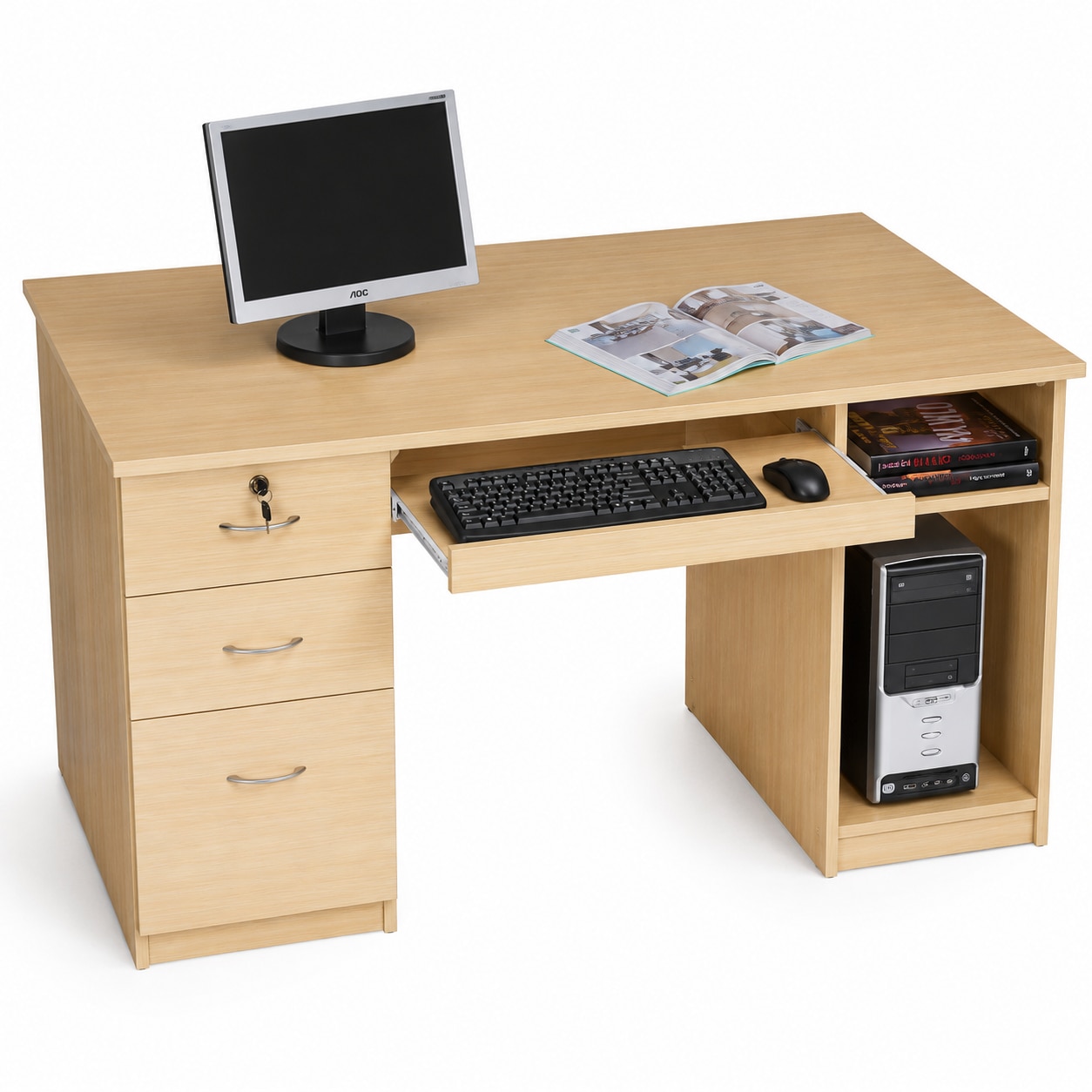 | Computer Desk Series by Kantoor Furniture is a modern, durable, and ergonomically designed workstation developed to support efficient computer usage in offices,... View product → |
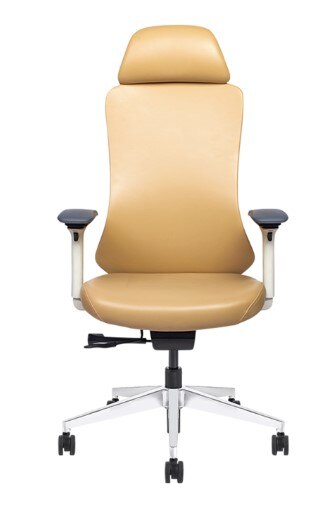 | CEO Chair Series Premium Modern High-Back Executive Ergonomic Office Chair Diamond Sleek Chair, High Back Premium Modern High-Back Executive Ergonomic Office Chair Kantoor Furniture By 360 Degree Interiors Kantoor Furniture... View product → |
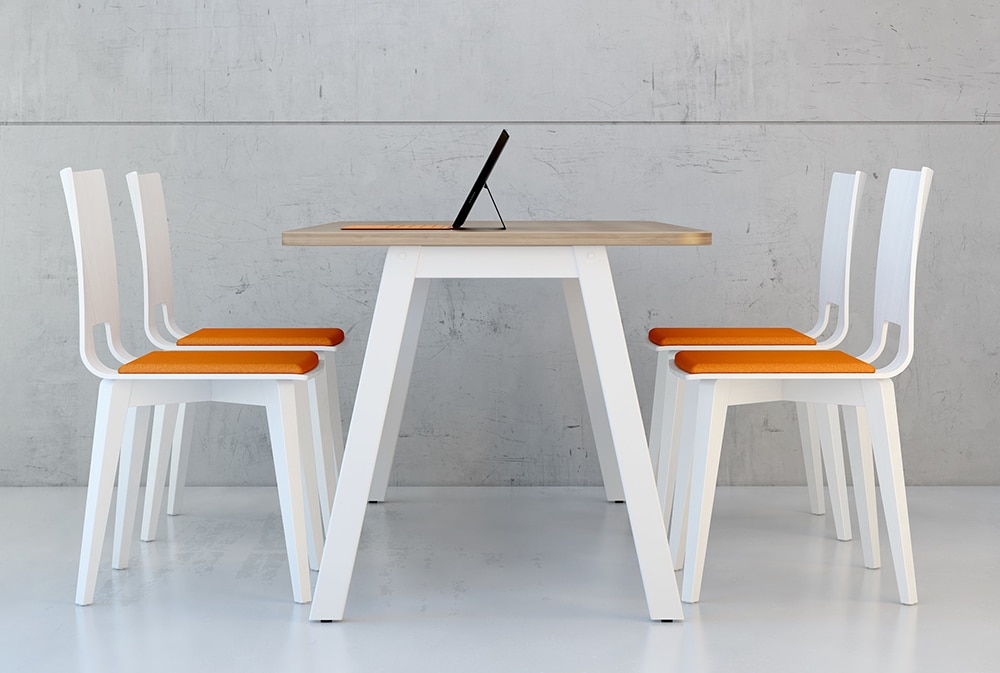 | Cafe Table Minimalist Scandinavian Office Collaboration Table & Chair Set Kantoor Furniture By 360 Degree Interiors Kantoor Furniture By 360 Degree Interiors offers modern Office Collaboration Tables, Meeting Tables,... View product → |
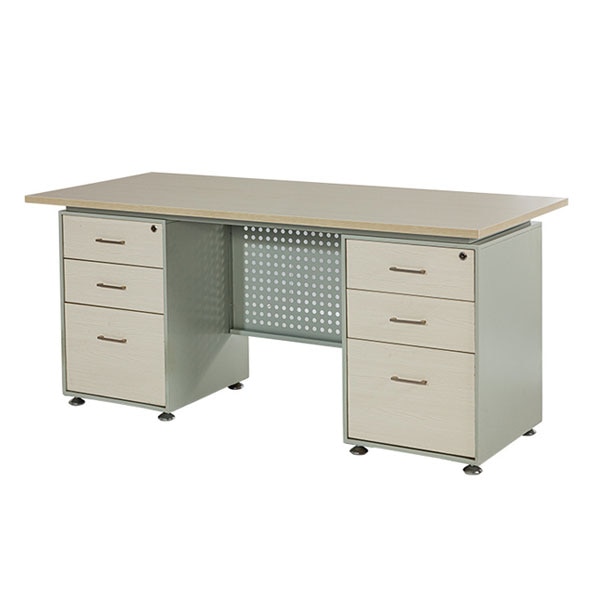 | Office Computer Desk Executive Office Desk with Dual Integrated Storage Pedestals Premium Executive Office Desk with Dual Integrated Storage Pedestals Executive Office Table & Manager Workstation Kantoor Furniture By 360 Degree... View product → |